
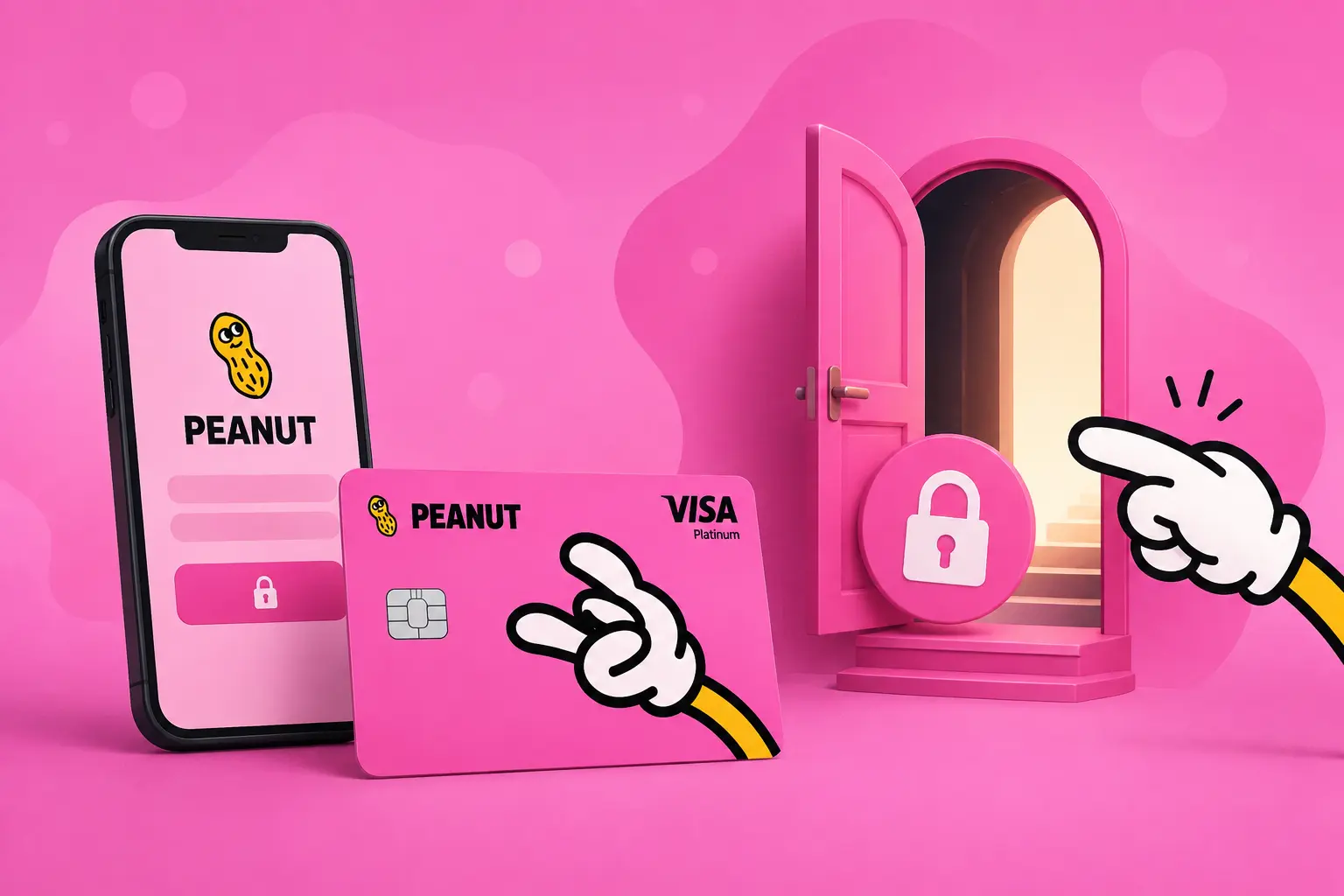
How to Get Early Access to the Peanut App and Card
Get early access to the Peanut app and card. Invite code `zeshan` opens the invite-only app; then join the card waitlist.
Peanut is one of the most talked-about new crypto cards of 2026, a non-custodial Visa that you top up with stablecoins and spend anywhere Visa is accepted. There's a catch: both the app and the card are invite-only right now. You can't just download it and sign up.
This guide walks through exactly how early access works, the three ways in, and what to expect once you're through the door. Everything here is checked against Peanut's own terms, not copied from a spec sheet.
Quick answer: The Peanut app is invite-only, so you need a code to create an account at all. The Peanut invite code is `zeshan` sign up through CardNode's Peanut link (https://peanut.me/invite?code=zeshan) and the code is applied automatically. Once you're inside the app, you join a separate card waitlist, Peanut admits roughly 20 people a week, in order. Holders of certain badges skip the queue entirely.
What is Peanut, exactly?
Peanut is a self-custodial money app built by Squirrel Labs (registered as Squirrel Labs Ltd in England & Wales). It combines two things:
- The Peanut app: a peer-to-peer payments account for sending and receiving digital dollars across borders, with free deposits and support for stablecoins like USDC and USDT across multiple networks.
- The Peanut Card: a separate program: a non-custodial Visa card you fund with stablecoins, then spend at around 150 million Visa-accepting merchants, online, in-store, and at ATMs.
The defining feature is custody. Your stablecoins stay in your own wallet until the moment you spend, Peanut doesn't hold your funds or lend them out. That's the main thing that sets it apart from custodial crypto cards where the issuer holds your balance.
Why is Peanut invite-only?
Peanut is running a closed beta. Rather than open the doors to everyone at once, the team is letting users in slowly and deliberately. In their own words, they'd rather under-promise and over-deliver to a small group than blast the whole internet on day one.
There are actually two gates, and it's important to understand they're separate:
- The app gate: you need an invite code just to create a Peanut account.
- The card waitlist: once you're in the app, the card is a separate program with its own queue.
Getting into the app does not automatically get you the card. You clear the first gate, then join the line for the second.
How do I get into the Peanut app?
Because the app is invite-only, a code is required to sign up at all. The simplest route:
Sign up through CardNode's Peanut link, the invite code `zeshan` is applied automatically. Use (https://peanut.me/invite?code=zeshan) and you don't have to hunt for a code or enter anything manually; following the link opens the app for account creation with the code already attached. (If you're asked for a code manually at any point, enter `zeshan`.) From there you create your Peanut account (it takes about a minute) and you're inside.
Once your account exists, you can use the core app features, sending and receiving money, right away. Bank connections trigger a one-time identity check handled by a third-party provider (Persona), but you don't need to complete that just to move money peer-to-peer.
What are the three ways to get the Peanut Card?
The card sits behind its own waitlist on top of the app. There are three routes in, from fastest to slowest.
1. Hold a qualifying badge (skip the line)
If you hold one of Peanut's whitelisted badges, you bypass the waitlist entirely and go straight to verification. The badges currently recognised are:
- Peanut OG
- Devconnect BA
- Arbiverse
Roughly 3,400 wallets are whitelisted this way. If you have one of these on your account, just sign in, the badges are checked automatically, and you go straight through.
2. Use an invite code, then join the card waitlist
No badge? This is the standard path. Sign up through the invite link (https://peanut.me/invite?code=zeshan) applies the code `zeshan` for you), which gets you into the app. From inside the app, you join the card waitlist.
3. The plain waitlist
Card admission runs in waves of about 20 people per week, in order. Put your name on the list and Peanut notifies you when your turn comes up. Order matters, earlier sign-ups move up first, and badge holders always jump ahead of the plain queue.
How long is the Peanut Card waitlist?
Peanut is admitting roughly 20 people a week during closed beta, in the order people joined. There's no published total queue length, and the team hasn't committed to a public launch date. Two things speed you up:
- A badge removes you from the queue completely.
- Joining earlier puts you ahead of everyone who signs up after you, so if you're going to join, joining sooner is strictly better.
Because the pace is deliberate, treat this as a "get in line now, spend later" situation rather than an instant sign-up.
What do I need to complete card verification?
When your turn comes, the card requires identity verification for all cardholders, this isn't optional, unlike the basic app features.
You'll complete KYC (Know Your Customer) with a government ID such as a passport or national ID. The verification is handled by a third-party provider rather than Peanut directly, and once you pass, the virtual card is issued. Card availability rolls out to select regions first and expands as Peanut's partners' coverage grows, so eligibility is shown to you during signup based on where you are.
Is there a welcome bonus?
Yes. Peanut offers a $10 welcome reward, unlocked when you:
- Complete verification, and
- Spend your first $100 on the card.
Once both are done, $10 is unlocked to your balance. The same deal applies whether you signed up on your own or through a referral. If you refer someone else, you're also eligible for $10 when they activate.
As always with beta programs, this is subject to eligibility and the current program terms, rewards like this can change, which is why it's worth confirming the offer at signup rather than assuming.
What does the Peanut Card cost?
Based on Peanut's stated terms at the time of writing:
- No monthly fees
- No annual fees
- Standard fees and limits apply per the cardholder terms
One honest caveat: because this is a young issuer still in beta, the terms reserve the right to introduce fees later. That's normal for an early-stage card, but it's worth knowing that "no fees" today is a beta position, not a permanent guarantee. Always confirm the live fee schedule in the cardholder terms before you rely on it.
Is Peanut right for me?
Peanut itself is refreshingly blunt about this. If your money lives in one country and one currency, your existing bank card already works fine, you don't need this.
Peanut is built for people who don't fit that mould:
- Digital nomads who get bounced by neobank verification the moment they cross a border
- Expats paying high percentages on every transaction home
- Cross-border earners who get paid in one currency and spend in another
- Self-custody users who want to spend from their own wallet without handing funds to an issuer
If that's you, the non-custodial design and stablecoin funding are genuinely useful. If it's not, there's no shame in skipping it.
Step-by-step: getting early access
Here's the whole flow in order:
- Check for a badge.** If you hold Peanut OG, Devconnect BA, or Arbiverse, you skip the card waitlist, sign in and you're checked automatically.
- Sign up through the invite link.** No badge? Use CardNode's Peanut link, (https://peanut.me/invite?code=zeshan) so the invite code `zeshan` applies automatically, and create your account (about a minute).
- Join the card waitlist from inside the app. This is the separate card queue.
- Wait for your wave. Roughly 20 people are admitted per week, in order.
- Complete KYC when invited. Passport or national ID, handled by a third-party verifier.
- Get your virtual card and, if eligible, unlock the $10 reward after verification plus your first $100 of spend.
This guide reflects Peanut's publicly stated terms as of 1 August 2026. Peanut is an early-stage issuer in closed beta, and details like fees, rewards, and eligible regions can change without notice. Always confirm the current terms in the Peanut app before signing up or funding a card. CardNode checks every figure by hand against issuer terms, we don't copy from spec sheets, and referral links never affect where a card ranks.
Frequently asked questions
What is the Peanut invite code?
How do I get early access to the Peanut app?
Is the Peanut app invite-only?
How long is the Peanut Card waitlist?
Does Peanut card require KYC?
Does Peanut app offer a sign-up bonus?
Keep reading

RedotPay Virtual & Physical Card Promo Code: 20% Off (2026)
RedotPay virtual card $10 → $8 and physical card $100 → $80 with our 20% promo codes. Real…
2026-08-12
DPT Pay Card Review: Fees, Limits & Promo Code
DPT Pay is a stablecoin Visa card from DPT (HK) Limited that lets you spend USDC and USDT …
2026-08-08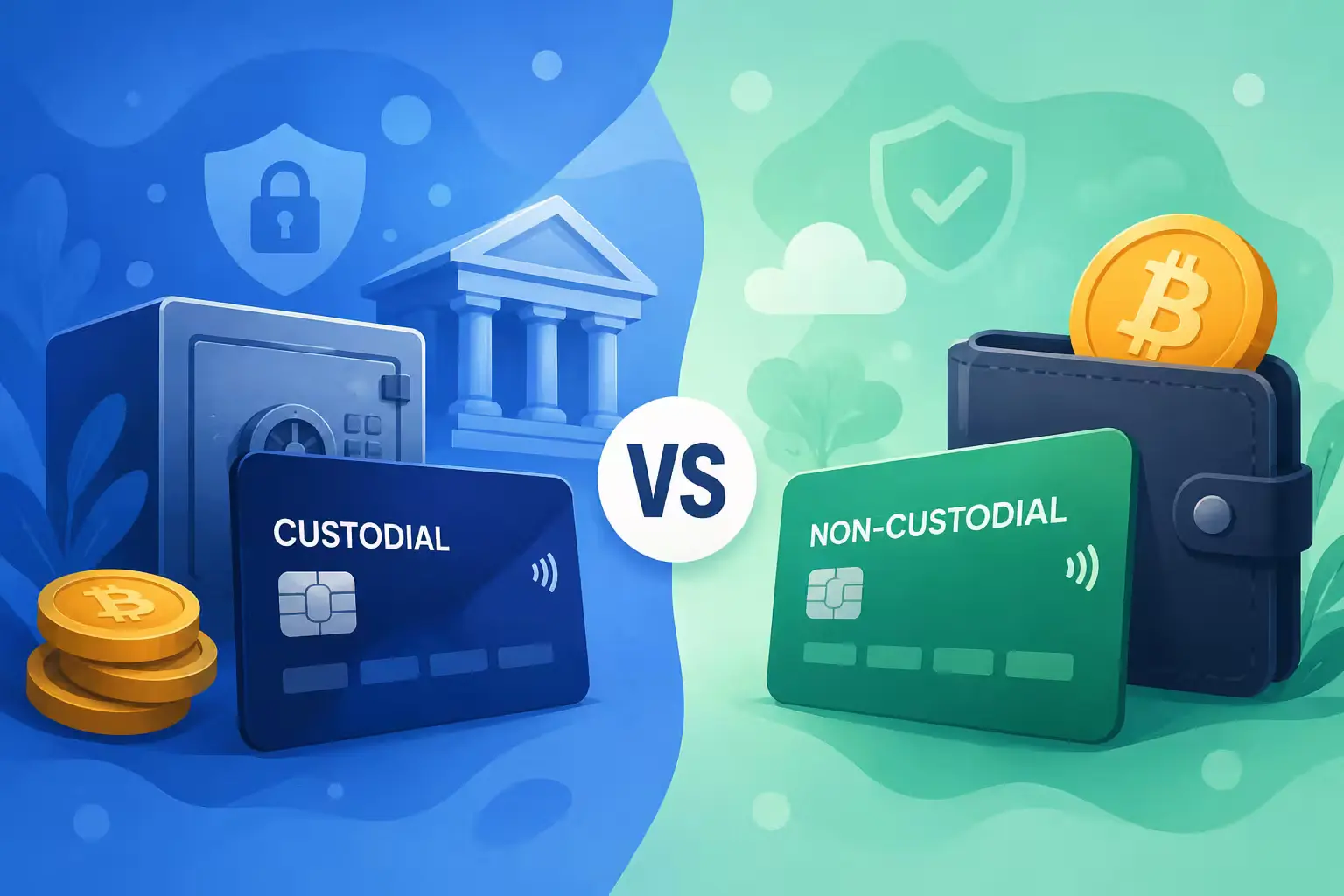
Custodial vs non-custodial crypto cards: what actually changes
The single biggest choice when picking a crypto card is who holds your money. Here is what…
2026-07-12